









Players profile - A players profile is a window in the game where the current statistics of a player are shown.
Currently, a players profile shows the following:
- Equipped avatar
- Players Nickname (If viewing another players profile)
- Account Rank and Experience
- Current Ranks
- Win/Loss Ratio
- Current League
- Reputation Points
- Place number (except training league)
- Most-played turret
- Most-played hull
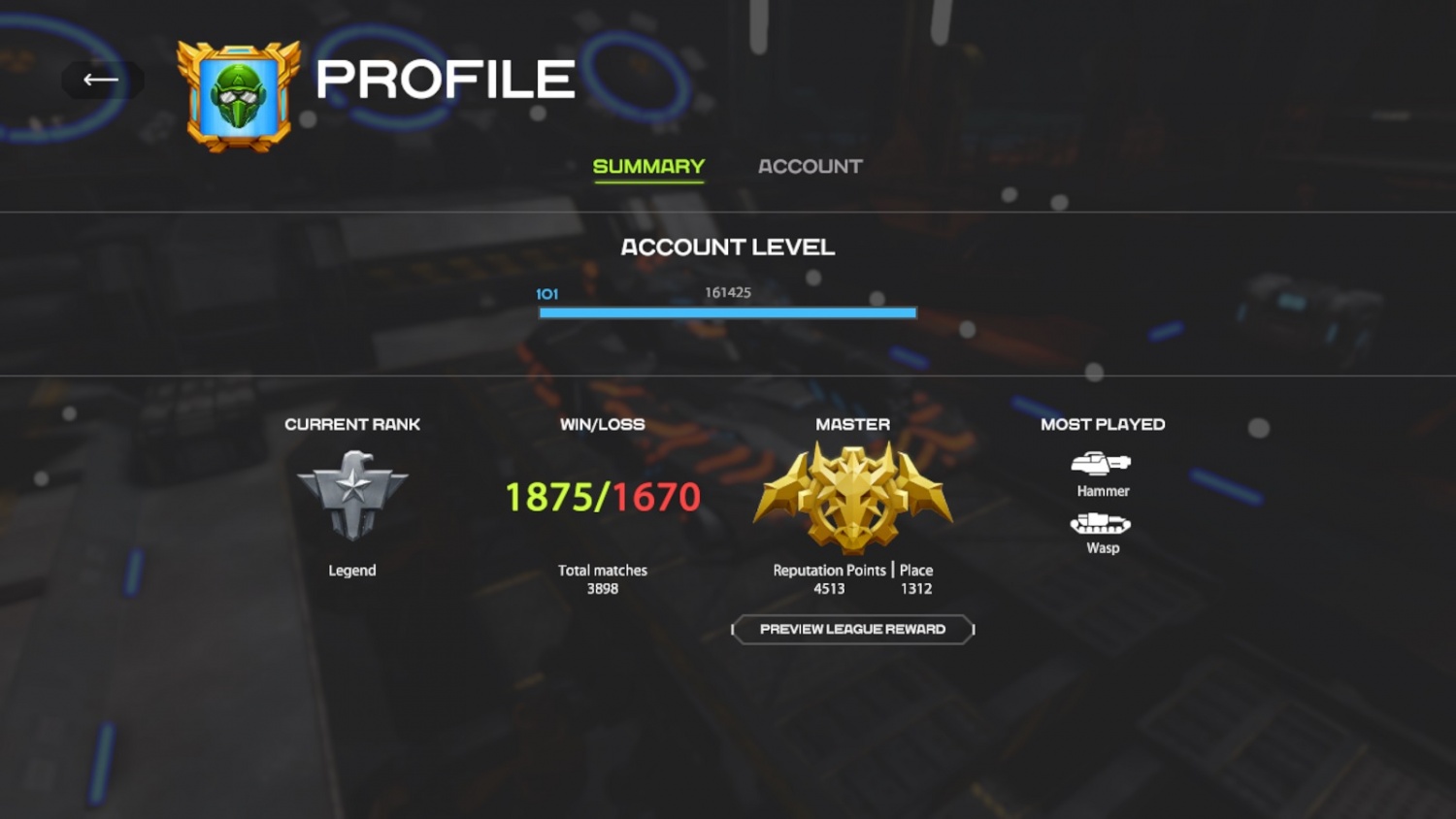
You can open your profile by clicking on your avatar in the main lobby, and you can open another player's profile by clicking on their name in your friend's list and opening the dropdown.
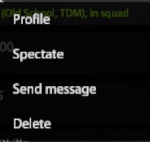
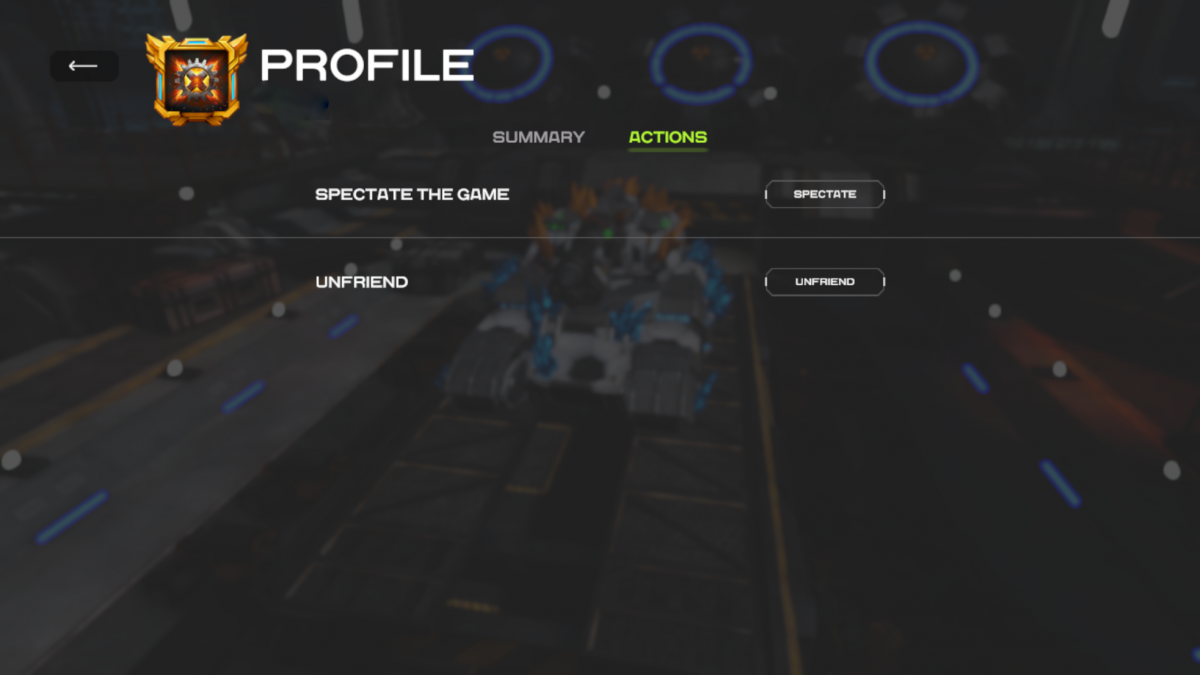
Players Profile Actions
If you click on a players profile in your friend's list, you may see their profile and you can click on the Actions tab. Depending on if they are in battle or not you can click tho spectate them from there or unfriend them.